Looking for the best tablet to replace your laptop, illustrate professional artwork, or stream cinematic HDR entertainment? Our technical buying guide compares Tandem OLED displays, active stylus latency, iPadOS vs Samsung DeX vs Windows 11 ARM, and keyboard productivity docks across top tablets of 2026.
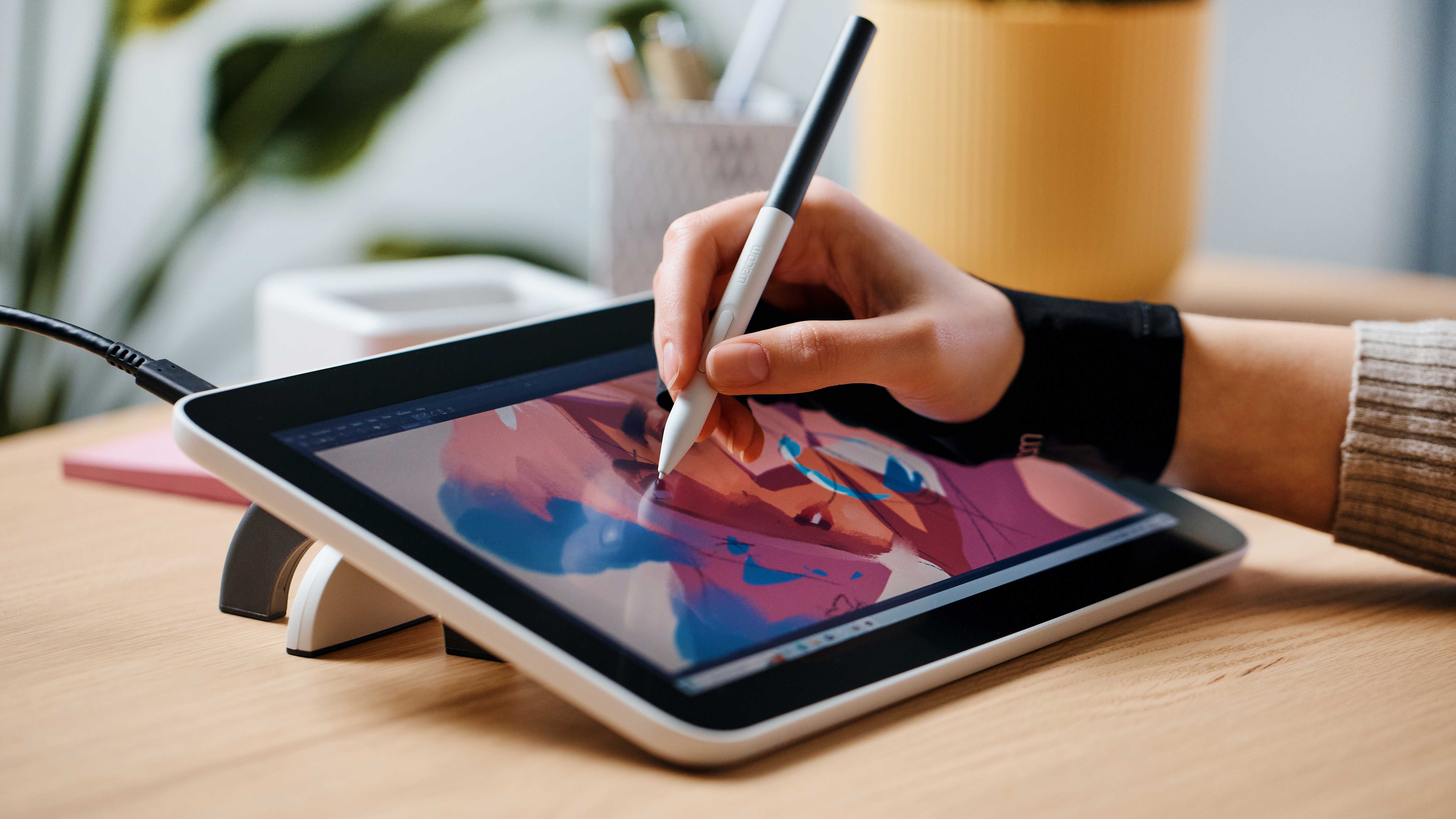
Our tablet evaluation framework synthesizes display colorimetry measurements, active stylus digitizer benchmarks, processor performance telemetry, and software productivity capabilities.
Using professional X-Rite spectrophotometers, we measure 100% window sustained nits, HDR peak highlights, Delta-E color accuracy across sRGB and DCI-P3, and black level contrast ratios.
Using high-speed 480 FPS tracking cameras and calibrated drawing rulers, we measure millisecond input latency, slow diagonal line wobble (jitter), and initial activation force in grams.
We run continuous 4K ProRes video rendering exports in Lumafusion / Premiere and 3DMark Wild Life Extreme stress loops, logging frame rate degradation and chassis skin thermals.
We log continuous web browsing and video streaming runtime at 200 nits brightness and evaluate keyboard folio stability, key travel, and trackpad palm rejection.
These are the most frequent buying mistakes we see in real-world testing.
Buying an expensive iPad Pro expecting to run desktop applications, command-line coding terminals, or legacy desktop software, only to find mobile OS constraints.
Purchasing a 64GB or 128GB base storage tablet and running out of space after downloading three creative apps and a few 4K video clips.
Budgeting only for the tablet base price and being surprised by an additional $300 to $450 required to purchase the official keyboard dock and active stylus.
Buying a massive 14.6-inch or 13-inch tablet primarily for reading Kindle books in bed, only to find the 1.5-lb weight quickly fatigues your wrists.
Use this simple framework to narrow down your options.
Demands breathtaking Tandem OLED color accuracy, sub-9ms Apple Pencil Pro haptic precision, and M4 rendering horsepower. Best served by Apple iPad Pro 13-Inch M4.
Requires full desktop Windows 11, native Microsoft Office, enterprise legacy software, and 14-hour ARM battery endurance. Best served by Microsoft Surface Pro 11.
Wants a massive 14.6-inch Dynamic AMOLED 2X canvas for Dolby Atmos movies, desktop Samsung DeX, and an included S-Pen. Best served by Samsung Galaxy Tab S9 Ultra.
Needs an all-round reliable tablet for web browsing, streaming, gaming, Zoom classes, and family use under $350. Best served by Apple iPad 10th Generation.
Top tablets that fit different needs and budgets.
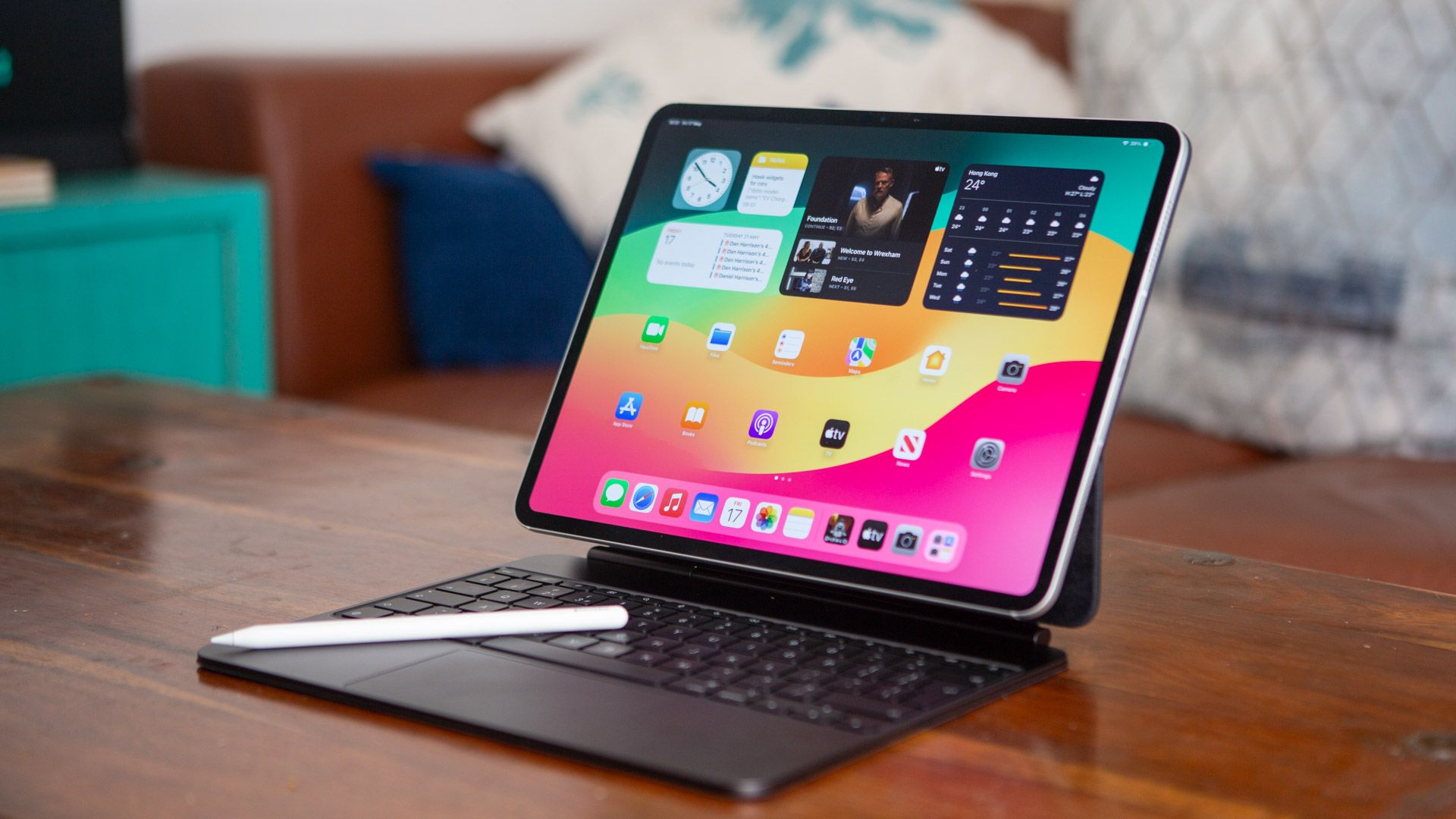
The 13-inch Apple iPad Pro M4 is an astonishing triumph of display and microchip engineering. Measuring an impossibly thin 5.1mm, it debuts the world's first Ultra Retina XDR Tandem OLED display, delivering 1,000 nits of full-screen sustained brightness and a 2,000,000:1 contrast ratio. Powered by Apple's next-generation M4 chip with hardware-accelerated ray tracing and a 38-TOPS Neural Engine, it delivers unprecedented speed for 4K video grading in Final Cut Pro, 3D sculpting, and pro illustration with the Apple Pencil Pro.
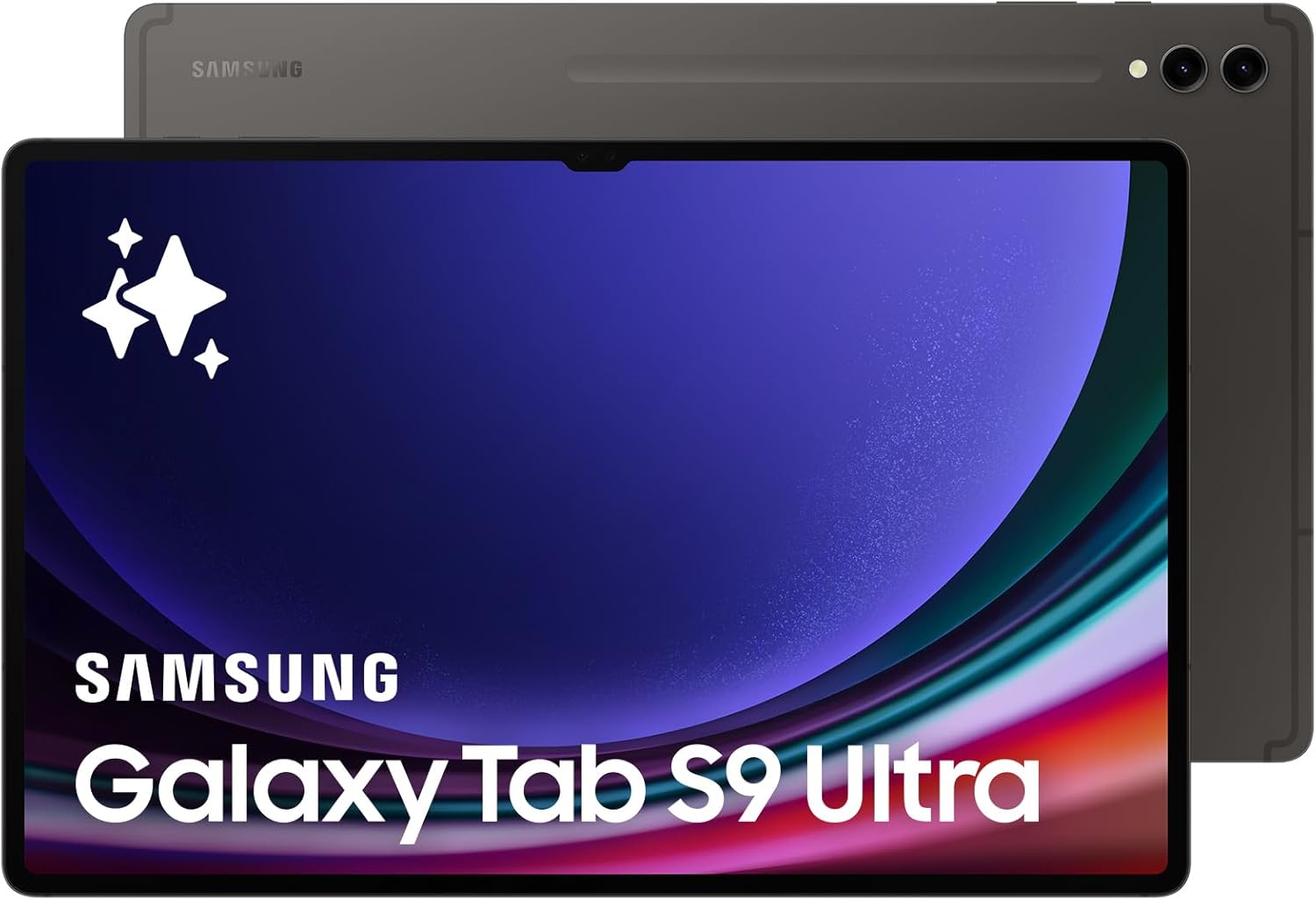
The Samsung Galaxy Tab S9 Ultra is the ultimate giant-screen Android canvas for productivity, entertainment, and digital art. Featuring a breathtaking 14.6-inch Dynamic AMOLED 2X 120Hz display with Vision Booster and an IP68 water/dust resistance rating, it comes bundled with the battery-free Wacom EMR S-Pen in the box. Powered by the Snapdragon 8 Gen 2 for Galaxy chip and featuring desktop Samsung DeX multitasking, it effortlessly runs 3 split-screen apps alongside floating windows.
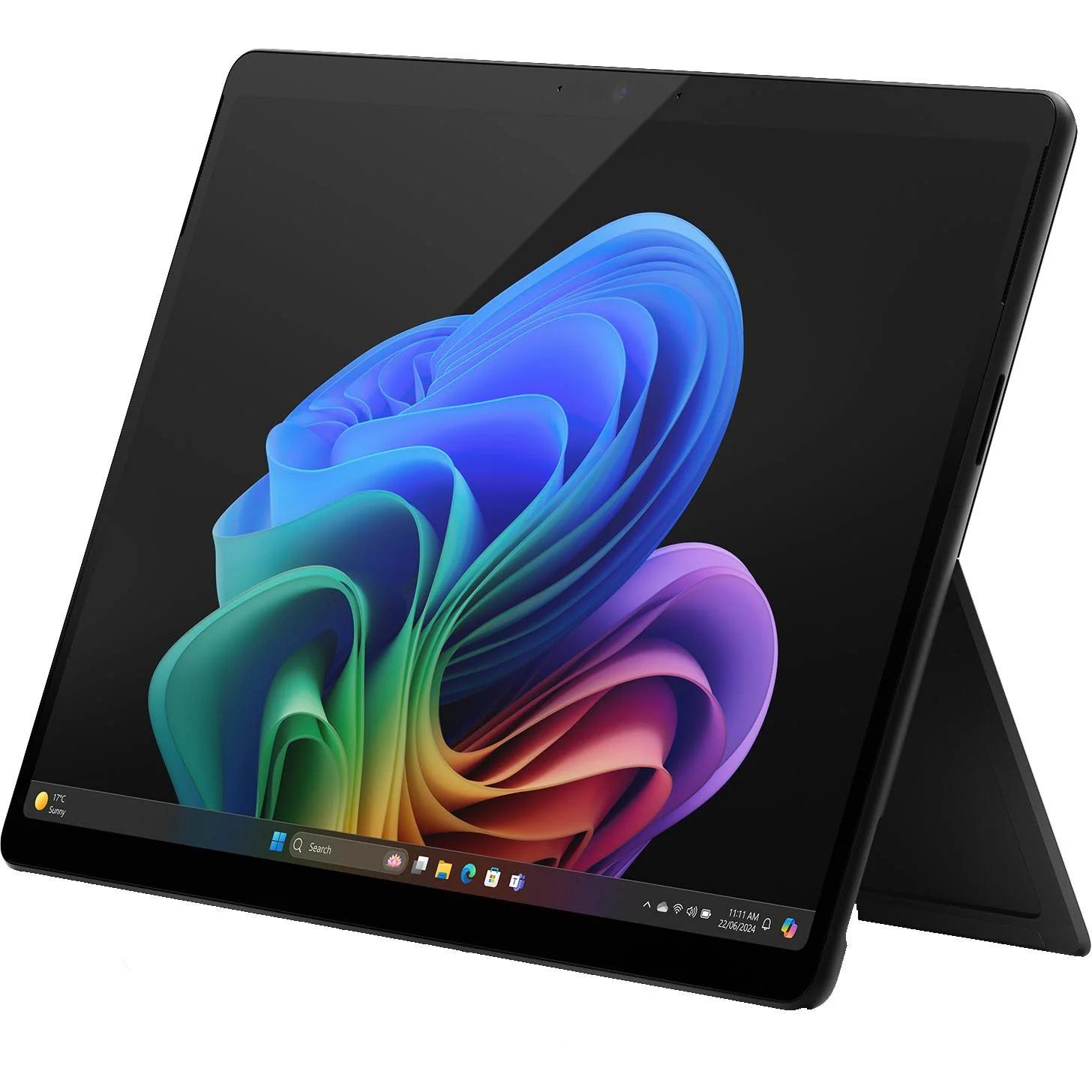
The Microsoft Surface Pro 11 is the first tablet that legitimately replaces a Windows laptop without sacrificing battery life. Powered by the groundbreaking Qualcomm Snapdragon X Elite ARM processor with a 45-TOPS NPU, it delivers blistering multi-core performance and 14+ hours of real-world battery life. Running full desktop Windows 11 Home/Pro on a gorgeous 13-inch 120Hz OLED touchscreen, it runs native and emulated x86 legacy software with complete external monitor and accessory support.
For digital artists, content creators, students, and mobile professionals whose workflows center around photo/video editing, writing, email, and web apps, the iPad Pro M4 with Magic Keyboard is a formidable laptop replacement. However, if your work requires programming, running complex local terminal scripts, virtual machines, or specialized legacy Windows enterprise software, a Windows PC like the Surface Pro 11 is required.
Explore related technical deep-dives and actionable buying guides.
