Looking for the best gaming laptop for blistering frame rates, competitive esports response times, and thermal stability on the go? Our exhaustive hardware buying guide audits Total Graphics Power (TGP) wattage, MUX switches, vapor chamber cooling, and OLED displays across the top gaming laptops of 2026.
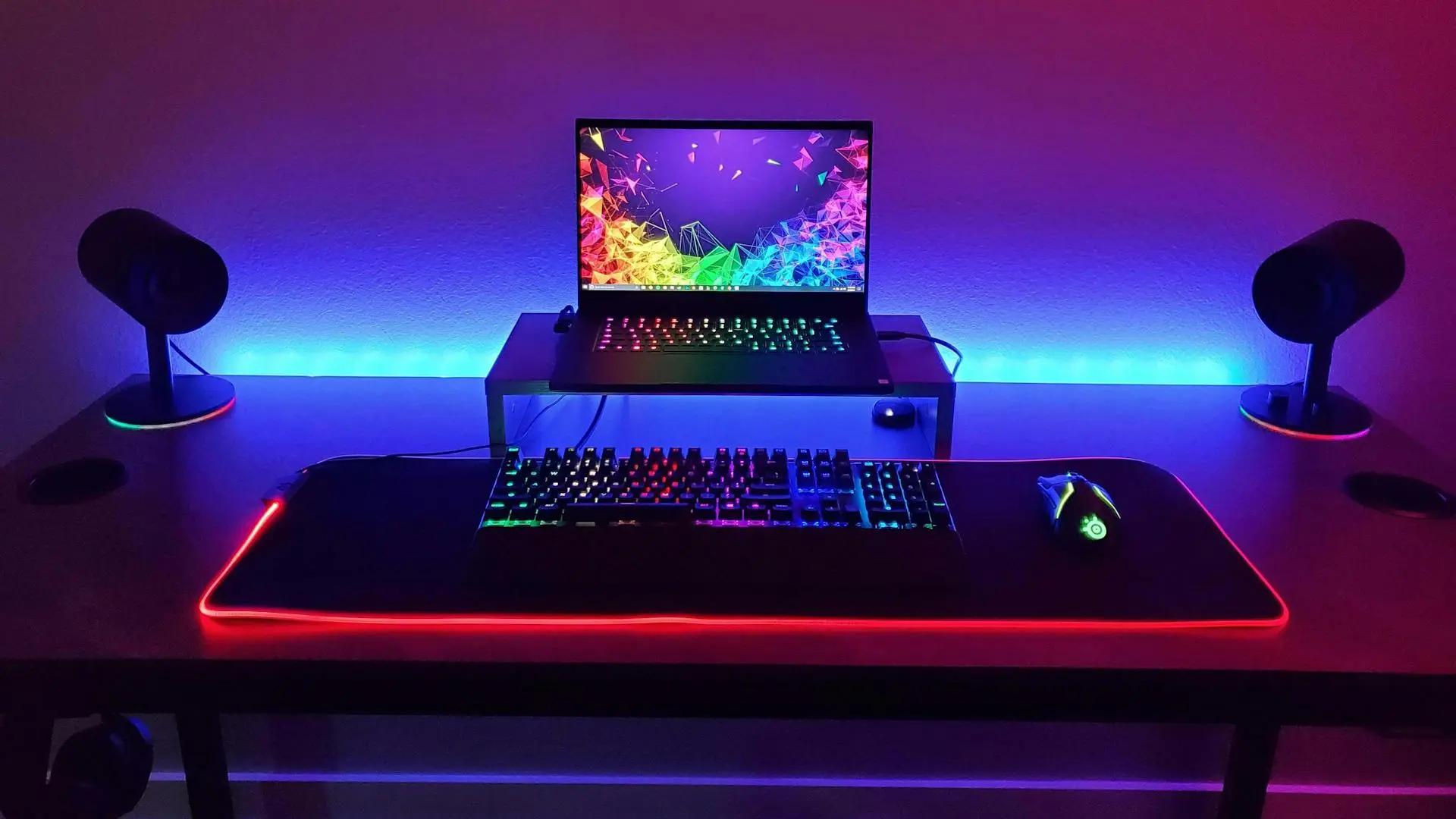
Our gaming laptop evaluation framework synthesizes verified silicon telemetry, published thermal benchmark audits, and display colorimetry data to determine real-world gaming performance and build quality.
We run continuous 2-hour looped benchmarks of Cyberpunk 2077 and 3DMark Time Spy Extreme, logging GPU wattage draw, core clock speeds, and thermal throttling behaviors using HWiNFO64 sensor telemetry.
Using CapFrameX hardware frame capture tools, we measure average FPS alongside 1% and 0.1% percentile low frame rates across esports and AAA titles to verify zero micro-stuttering and smooth frame delivery.
Using spectrophotometers and high-speed photodiode oscilloscopes, we measure peak nit brightness, DCI-P3 color gamut coverage, and gray-to-gray (GtG) pixel response times to evaluate ghosting and motion clarity.
We measure fan noise in decibels (dBA) from 18 inches at ear level during peak load and use FLIR thermal imaging cameras to verify WASD key and wrist-rest contact temperatures stay below comfortable 38°C limits.
These are the most frequent buying mistakes we see in real-world testing.
Purchasing an ultra-thin laptop with an 80W RTX 4080 expecting flagship performance, only to find it loses in benchmarks to a full 140W RTX 4070 laptop.
Buying a gaming laptop with only 16GB of permanently soldered memory that cannot be upgraded, causing severe stuttering in modern 2026 games requiring 32GB.
Expecting to play AAA games at 120 FPS while running on battery power. Laptop batteries cannot safely discharge the 200W+ needed, causing GPUs to lock to 30 FPS.
Placing a high-powered gaming laptop directly on blankets, soft beds, or carpets suffocates intake fans, causing instant thermal throttling and emergency shutdowns.
Use this simple framework to narrow down your options.
Demands maxed-out 175W TGP RTX 4080/4090 power, 240Hz G-Sync display, liquid metal thermals, and upgradable dual DDR5 RAM. Best served by Lenovo Legion Pro 7i Gen 9.
Needs a featherweight 4-lb CNC aluminum unibody, 100% DCI-P3 240Hz OLED screen, long battery life, and USB-C GaN charging on the go. Best served by ASUS ROG Zephyrus G16.
Demands immaculate aerospace-grade build quality, innovative dual-mode 4K/FHD display technology, and whisper-quiet vapor chamber cooling. Best served by Razer Blade 16.
Wants maximum frame rates per dollar in competitive shooters without paying boutique brand premiums. Best served by Acer Predator Helios 16.
Top gaming laptops that fit different needs and budgets.
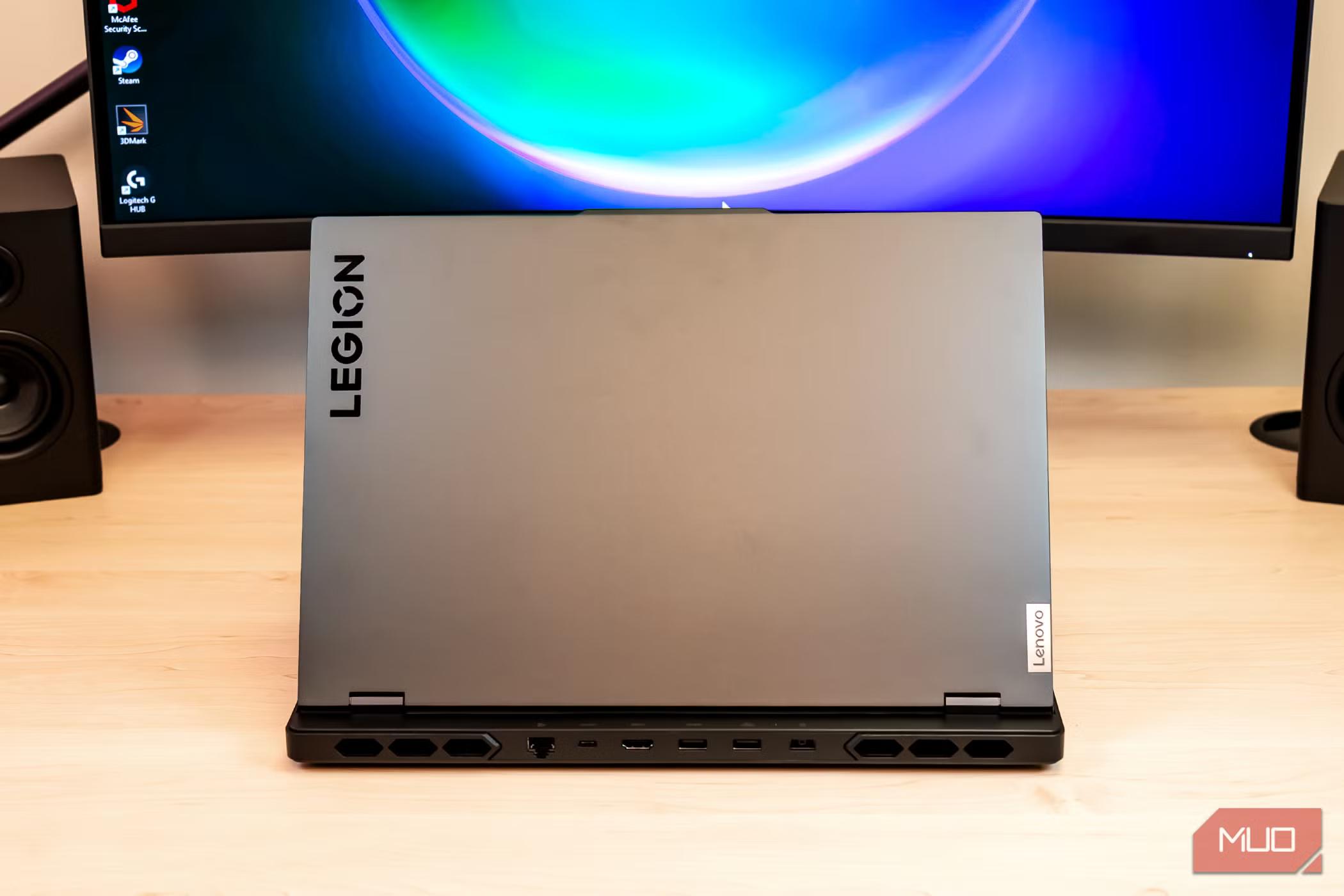
The Lenovo Legion Pro 7i Gen 9 is the undisputed heavyweight champion of sustained high-FPS desktop-replacement gaming. Engineered with Lenovo's Legion Coldfront 5.0 thermal system featuring a massive vapor chamber and liquid metal thermal compound, it unleashes the full 175-Watt maximum TGP of NVIDIA GeForce RTX 4080/4090 GPUs paired with Intel Core i9-14900HX processors. Its 16-inch WQXGA 240Hz 500-nit display features 100% sRGB accuracy, G-Sync, and a true hardware MUX switch. Complete with fully upgradable dual DDR5 RAM slots and dual M.2 SSD bays, it delivers peerless raw horsepower.
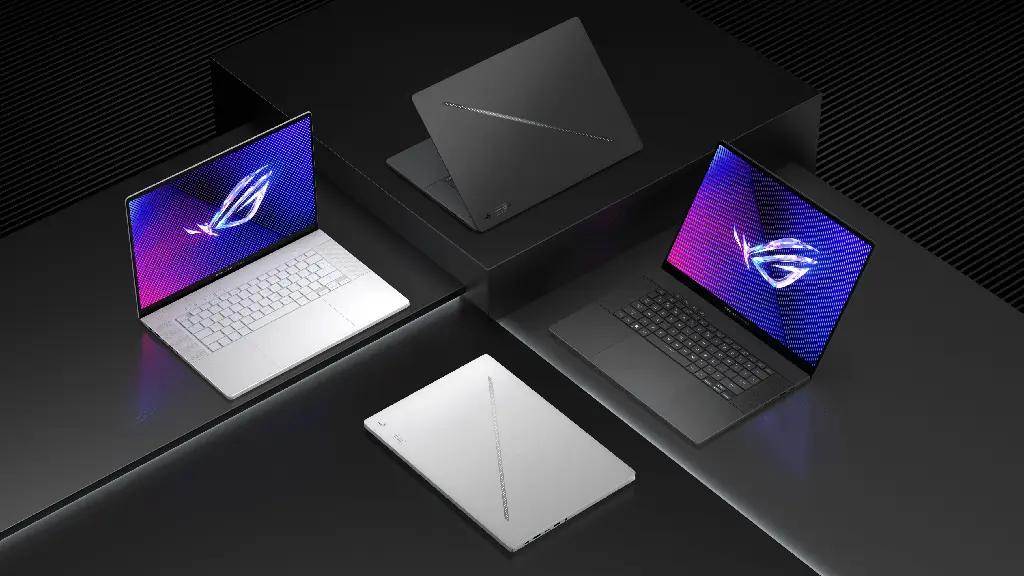
The ASUS ROG Zephyrus G16 is the quintessential ultra-portable gaming laptop, packing formidable gaming performance into a sleek 0.59-inch CNC aluminum unibody weighing just 4.19 lbs. It features a jaw-dropping 16-inch 2.5K 240Hz 0.2ms ROG Nebula OLED display with G-Sync and 100% DCI-P3 color gamut. Powered by Intel Core Ultra processors with dedicated NPU acceleration and up to an RTX 4080 GPU backed by tri-fan cooling, it delivers desktop-grade gaming fidelity in a machine that fits effortlessly into any briefcase or backpack.
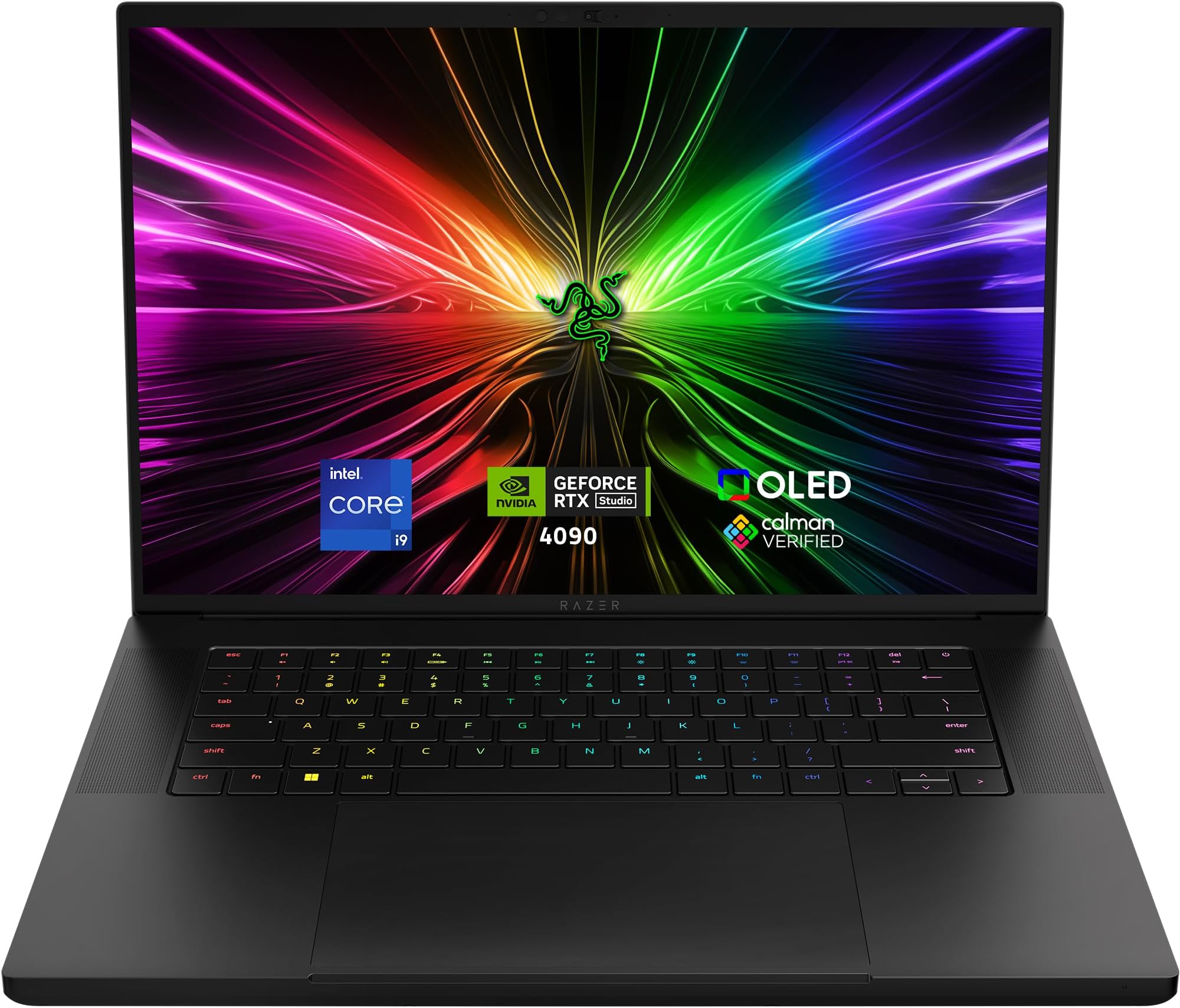
The Razer Blade 16 represents the absolute pinnacle of luxury CNC craftsmanship and display versatility. Featuring a revolutionary dual-mode OLED display that lets you switch between cinematic UHD+ (3840x2400) at 120Hz for creative editing and ultra-fast FHD+ (1920x1200) at 240Hz for competitive esports. Encased in an anodized T6 aluminum unibody with a custom vacuum-sealed copper vapor chamber, it sustains peak RTX 4090 graphics horsepower with unmatched rigidity and minimalist aesthetics.
A MUX (Multiplexer) switch is a physical motherboard circuit that allows the dedicated GPU (dGPU) to connect directly to the laptop display, bypassing the integrated processor graphics (iGPU). This eliminates a latency bottleneck, boosting average frame rates by 10% to 20% in competitive esports games and lowering input lag.
Explore related technical deep-dives and actionable buying guides.
